Draw yourideamelodysong

You don't need a full orchestra or ultra-sophisticated gear to develop a musical idea… a piano or a guitar can be enough to create your song… plus the tools to turn your thoughts into music!

Start drawing Free public beta · in your browser, nothing to install

To turn your idea into music, you need a song builder

…that handles the three ingredients of every song.

MELODY

Draw your melody

Sketch a line and it turns into notes. Move each note by hand, and the melody fits the chords.
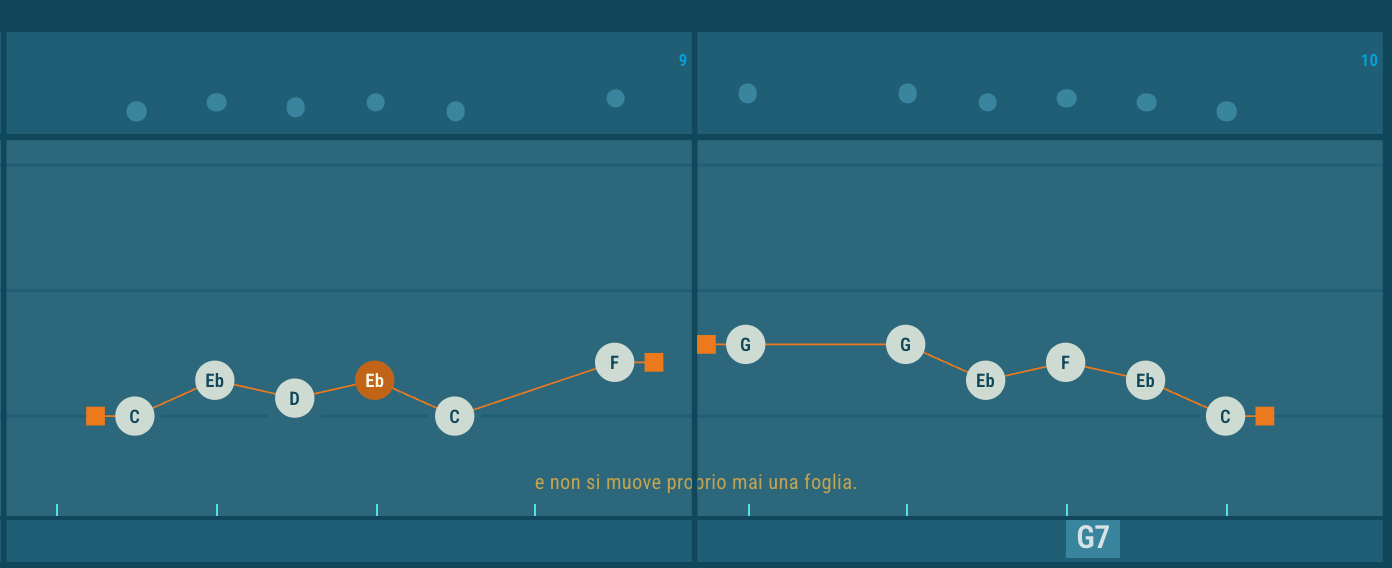
Melody notes drawn in the sketch, bars 9 and 10
CHORDS

Add the chords

Pick a ready-made progression from SPARK, or let AUTOHARMONY harmonize your melody. A groove and a style make it sound right away.
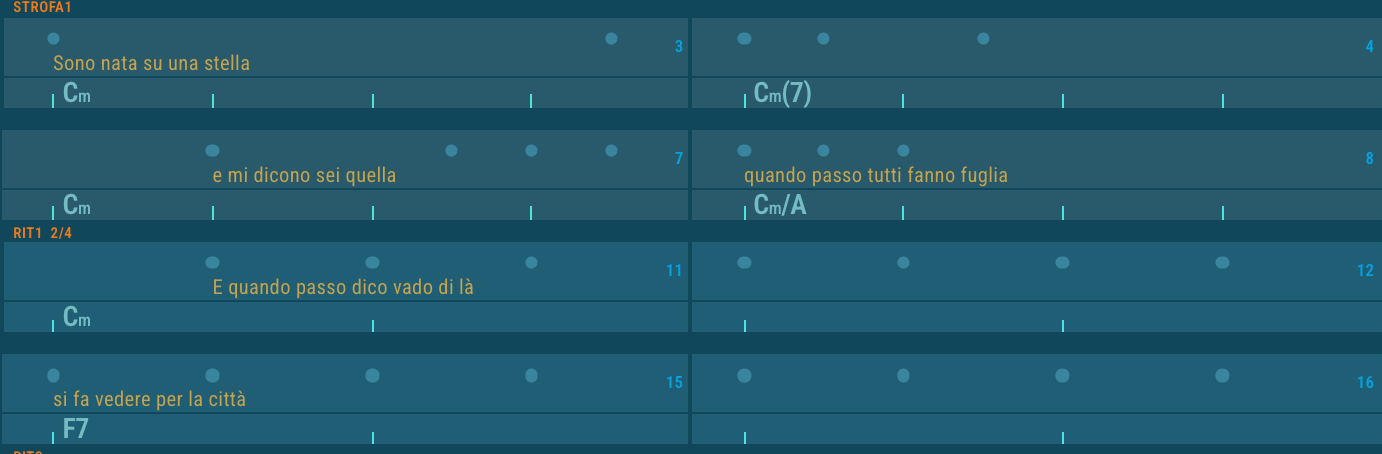
Chords under each bar of the chart
LYRICS

Write the lyrics

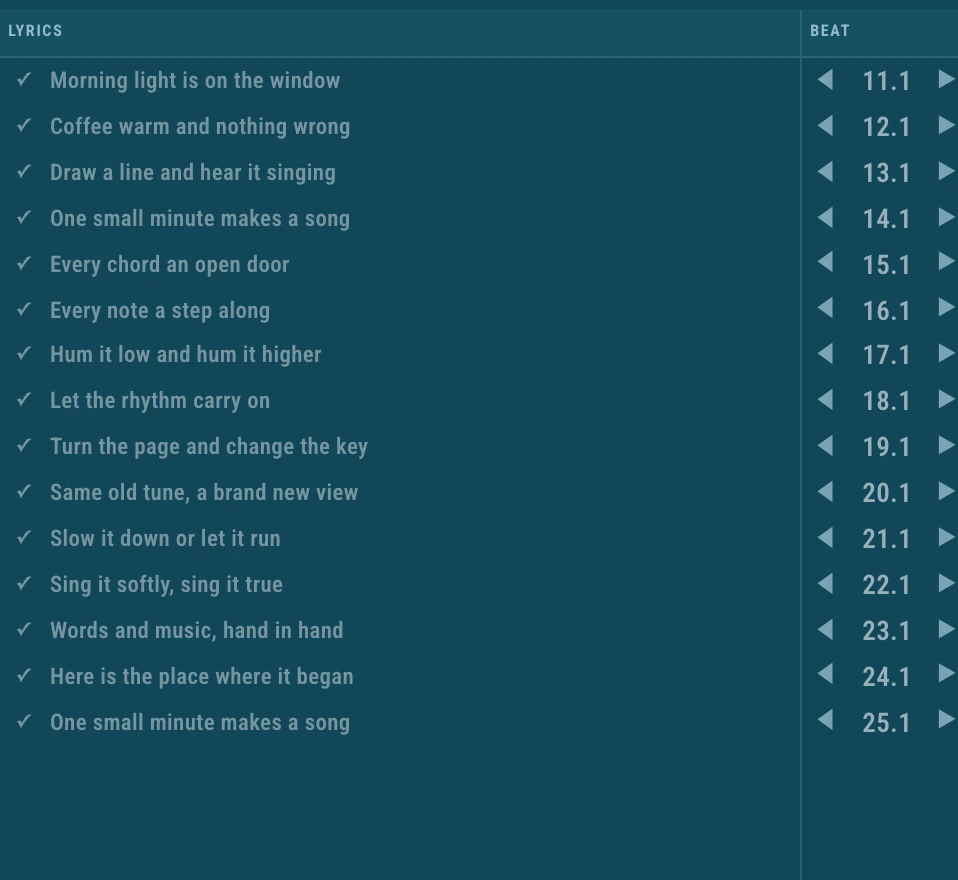
The lyrics hook onto the melody, bar by bar, and end up in the score.
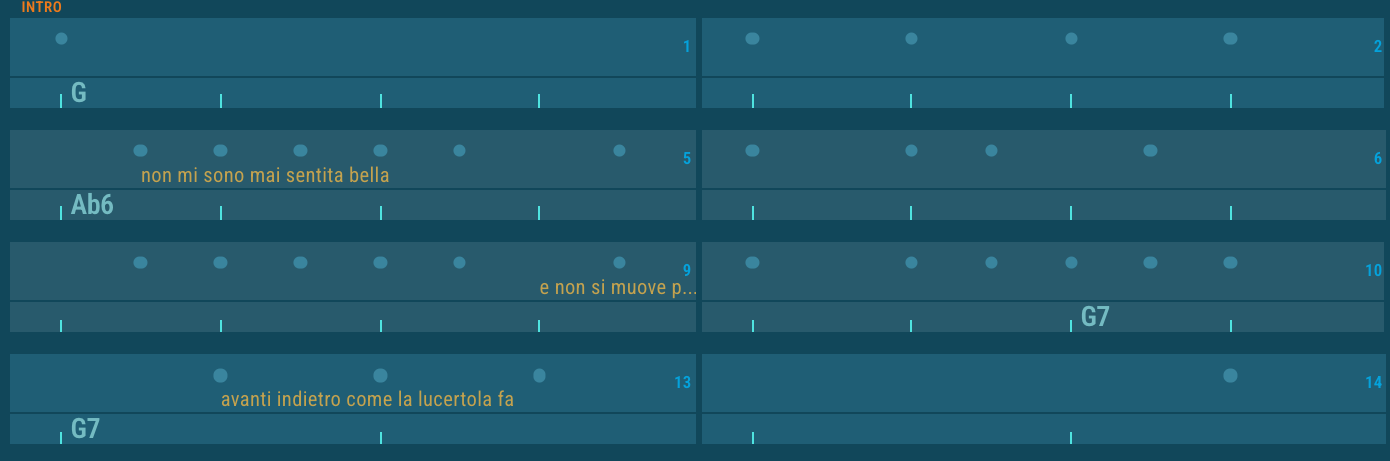
Lyrics written over the bars

Accompaniment styles, intros, riffs, arpeggios, grooves and chord progressions to spark your creativity!

Two views, one song

Build the song in blocks, then hand it to whoever plays it.

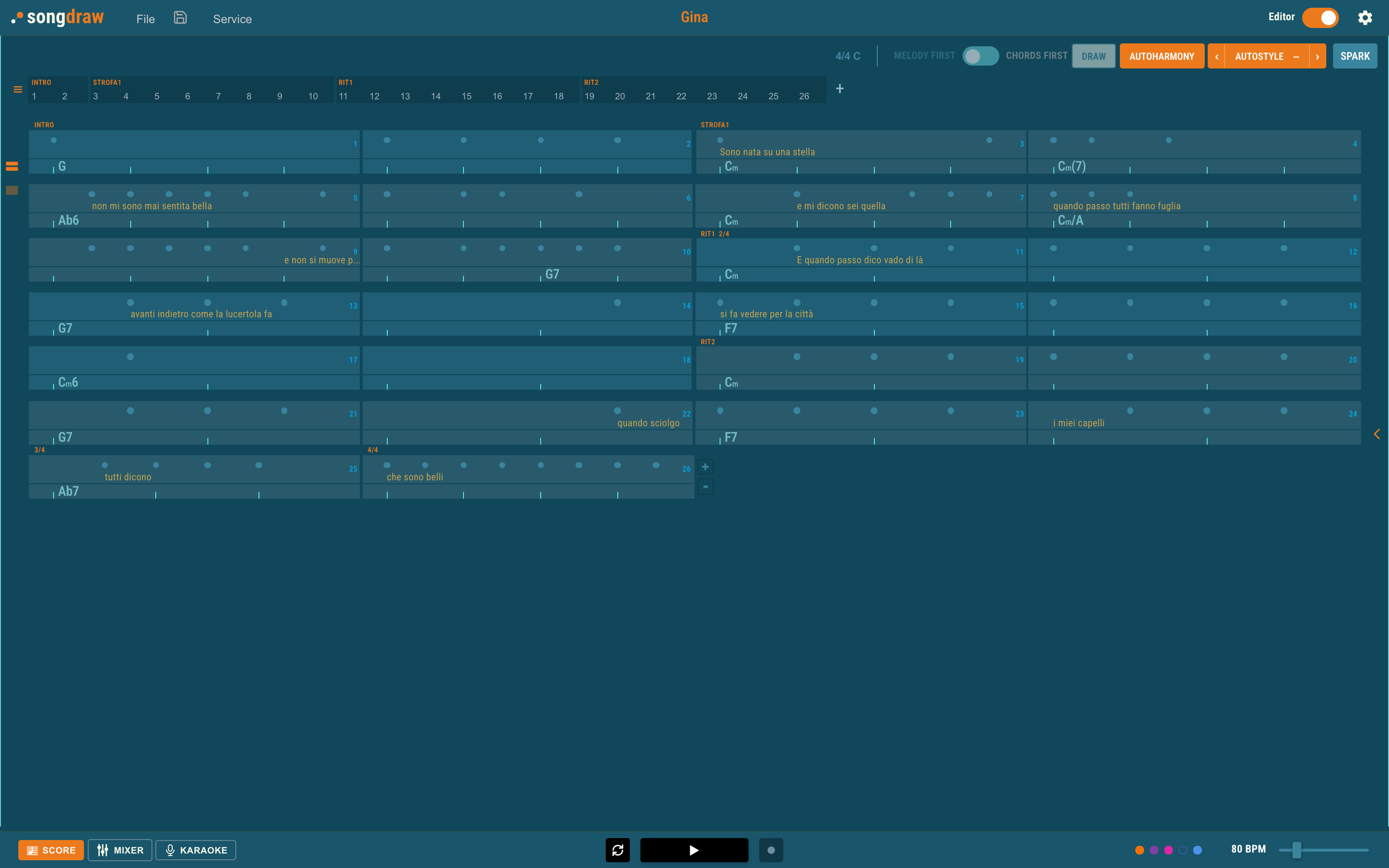
The chart view with parts, chords and lyrics

CHART

Intro, verse, chorus: arrange the PARTS and the song takes shape. The whole tune at a glance.

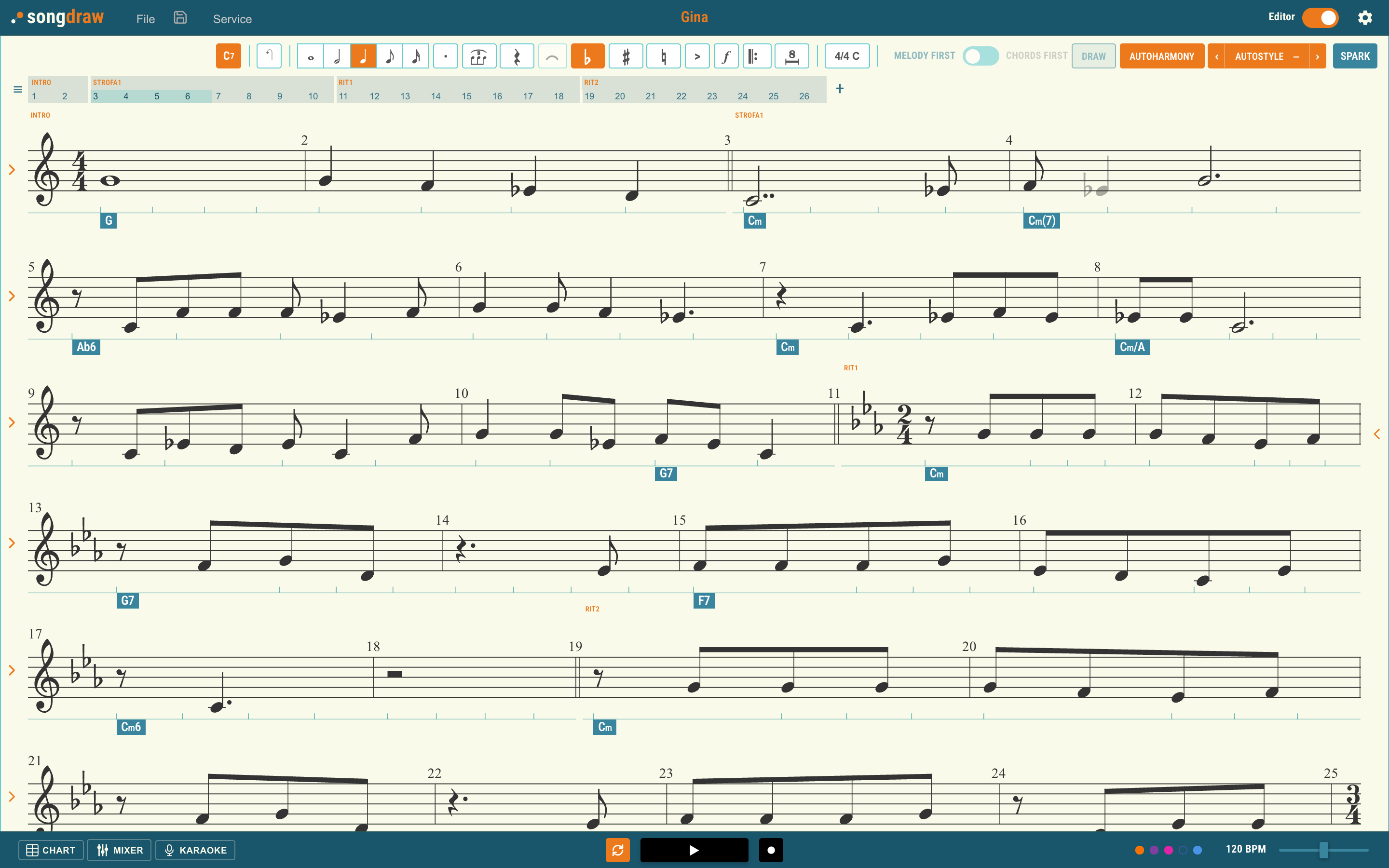
The score view with melody and chords

SCORE

A clean score with melody, chords and lyrics: print it, hand it to your musicians, or register it.

Is songdraw for you?

Pick your role and see what it can do for you.

Turn a hook into a demo in minutes.

  • Pick a chord progression from 100 ready-made ones, or type your own.
  • Draw the melody with your mouse; the notes follow the chords.
  • Choose a style and riffs, and hear a full backing right away.
Start drawing
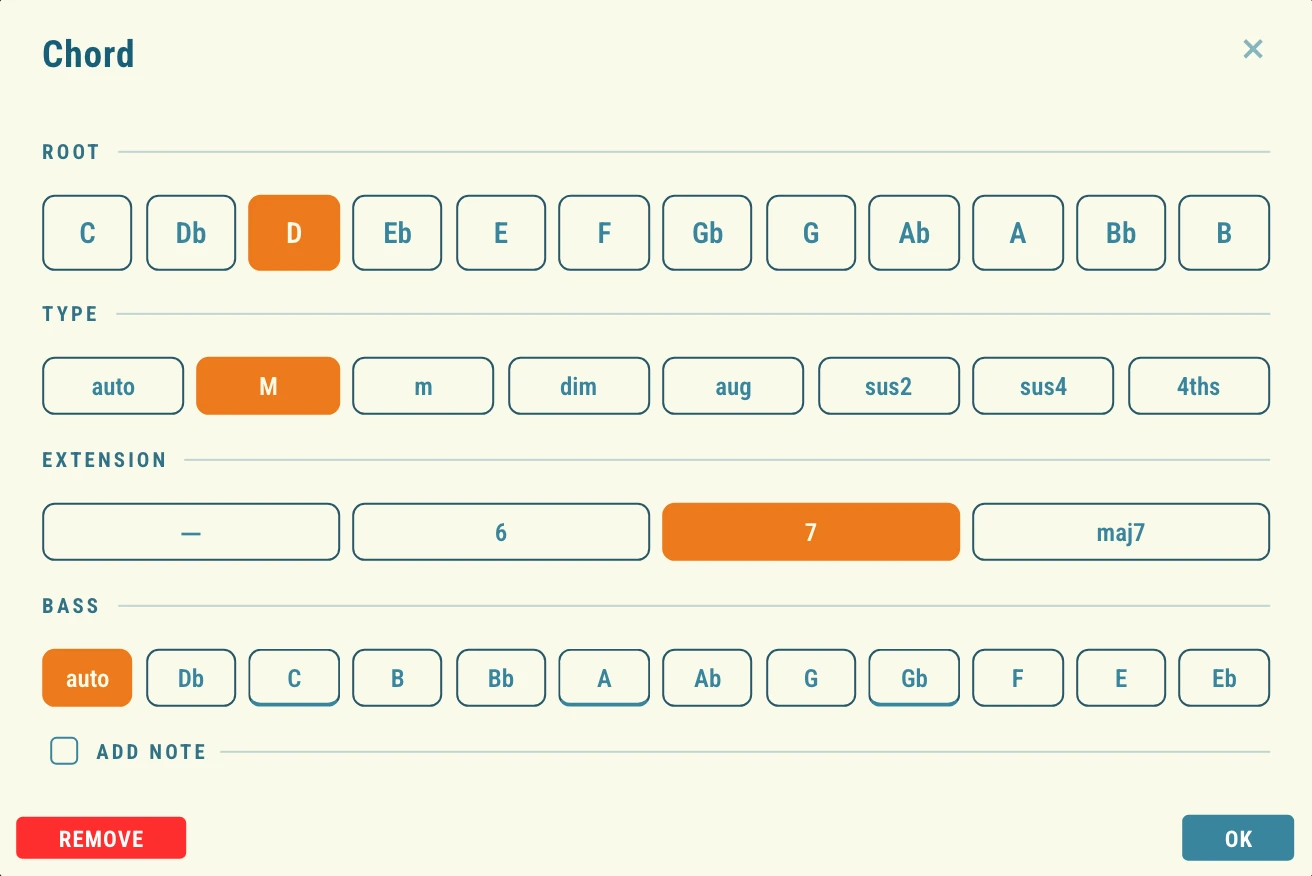
The chord panel: pick the root, the type and the extension of a chord (here D7).

All that's missing is your idea!

songdraw is in public beta: try it free, in your browser.

Start drawing

For information: info@songdraw.com